
How to transition from display: none in CSS (Finally!)
- HTML
- CSS
- Modern CSS features
Learn how to transition display: none in CSS using modern features like transition-behavior: allow-discrete and @starting-style. This article explains why traditional transitions fail and shows how to animate elements smoothly as a progressive enhancement.
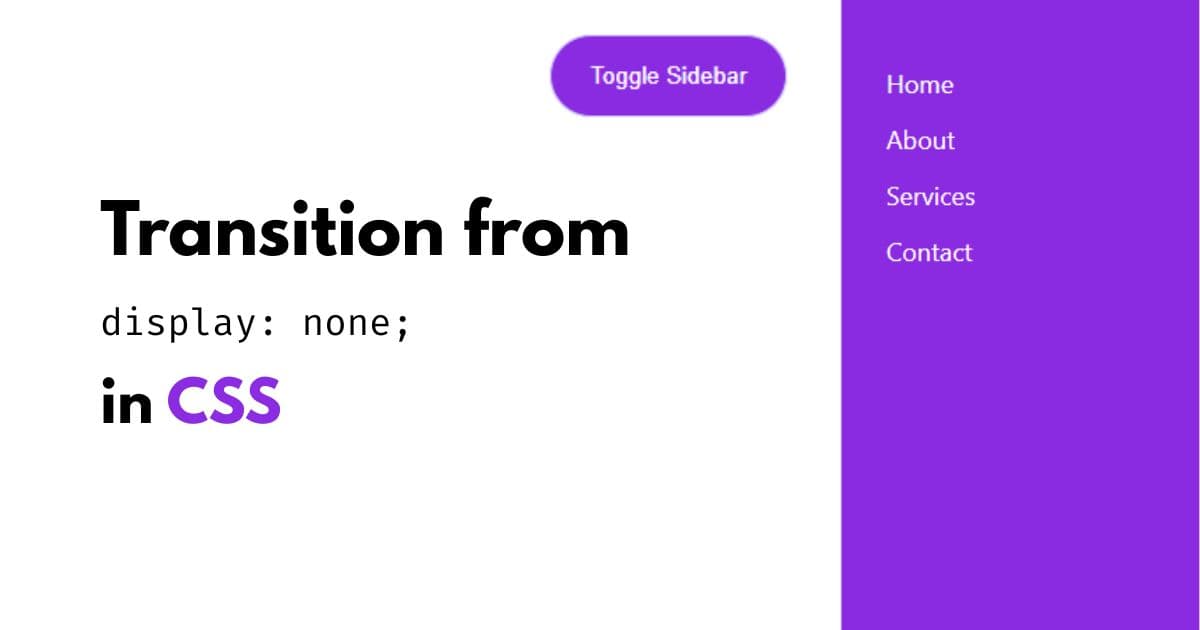
Discrete properties like display and visibility could not be transitioned in CSS, until recently.
Traditionally, when an element had display: none, it was removed from the render tree. Because of that, no CSS transition (like transform or opacity) could run when the element appeared or disappeared.
That limitation is now addressed using two modern CSS features.
transition-behavior: allow-discrete;@starting-style {}
Together, they allow CSS to:
- transition discrete properties like
display - define a starting state when an element becomes visible
The goal
We want to animate a sidebar when toggling it from:
display: none;to:
display: grid;…and have the transform transition work as well.
Just like this:
Consider this HTML
<button onclick="toggleSidebar()">Toggle Sidebar</button>

<aside>
  <a href="#">Home</a>
  <a href="#">About</a>
  <a href="#">Services</a>
  <a href="#">Contact</a>
</aside>
The problem with the usual approach
aside {
  transform: translateX(100%);
  display: none;
  transition: transform 150ms;
}

aside.open {
  transform: translateX(0%);
  display: grid;
}
This does not work.
Why?
Because when display: none is applied, the element does not exist in the render tree, so no transition can occur.
The solution: using modern CSS features
transition-behavior: allow-discrete;@starting-style {}
Step 1: Allow discrete transitions
Set transition-behavior: allow-discrete and ensure display is included in transition-property.
aside {
  transform: translateX(100%);
  display: none;

  /* Step 1: Allow discrete transitions */
  transition-behavior: allow-discrete;

  /* Include display explicitly */
  transition-property: transform, display;
  transition-duration: 150ms;
}
Step 2: Define the starting styles
Use @starting-style to define how the element should look right before it becomes visible.
@starting-style {
  aside.open {
    transform: translateX(100%);
    /* Do NOT set display: none here */
  }
}Important:
@starting-styleapplies only when the element enters- You should not set display inside it
Final working code
aside {
  transform: translateX(100%);
  display: none;

  transition-behavior: allow-discrete;
  transition-property: transform, display;
  transition-duration: 150ms;
}

aside.open {
  transform: translateX(0%);
  display: grid;
}

@starting-style {
  aside.open {
    transform: translateX(100%);
  }
}
That’s it!
Now the sidebar transitions smoothly from display: none to grid, along with the transform animation.
Live demo
See the Pen Transition from display none by heygauravshukla (@heygauravshukla) on CodePen.
Caveat: Browser support
This works in all modern browsers.
In Firefox, the transition currently works only when entering (for example, display: none → grid), but not when exiting.
Because of this, the technique is best used as a progressive enhancement.
References & further reading
The inspiration for this post came from Kevin Powell’s excellent content:
Documentation:
Even with its current Firefox limitation, this approach is a clean and practical progressive enhancement for modern UI components.
Thanks for reading!