
How to create a scroll-aware sticky header
July 28, 2026Learn how to create a sticky header that hides while scrolling down and reappears when scrolling back up using CSS scroll-state queries.
Nowadays, the web is filled with persistent UI. Cookie banners, app download prompts, chat widgets, and sticky headers all compete for a limited amount of screen space.
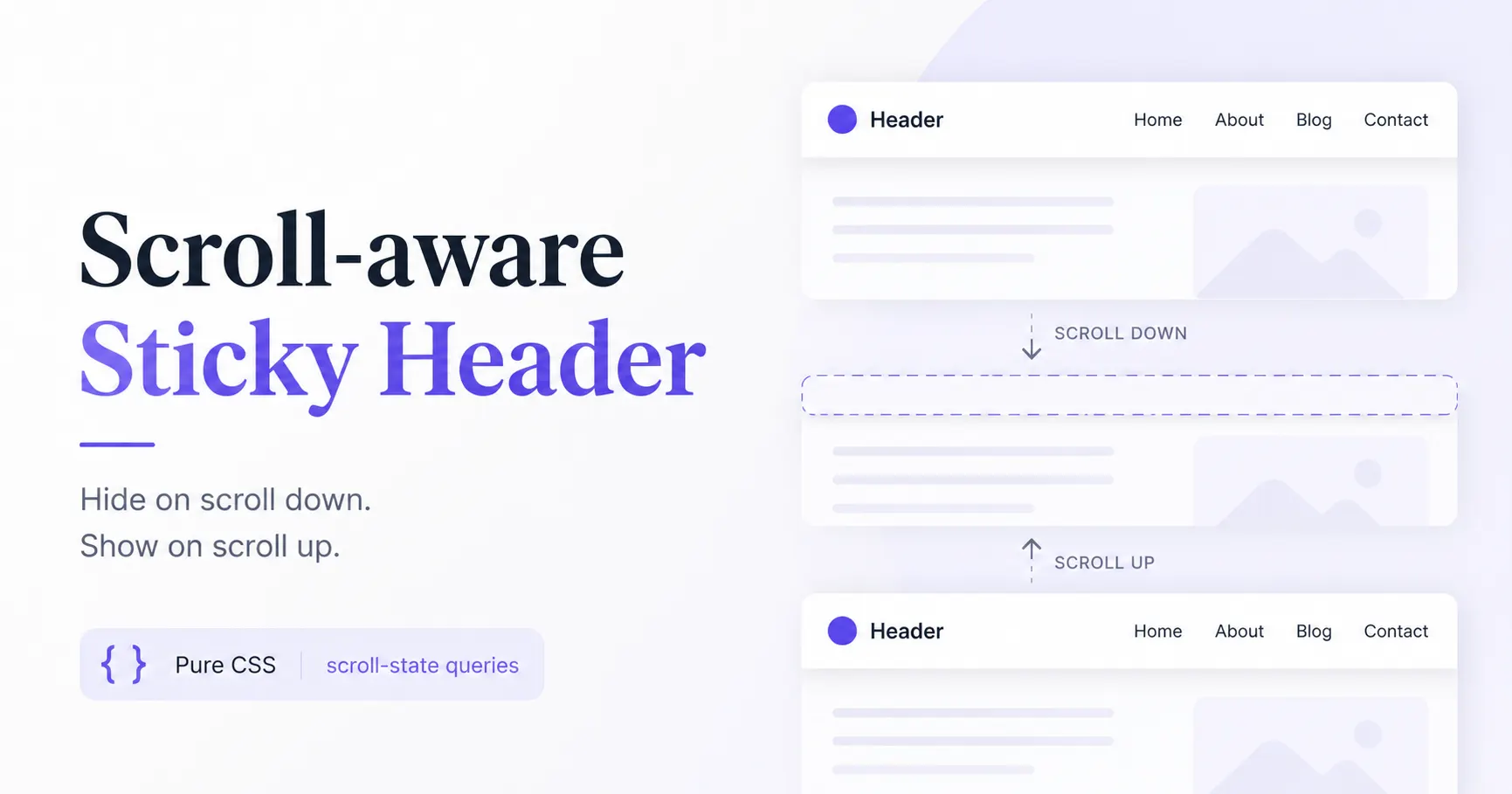
A scroll-aware sticky header is a small interaction that makes navigation feel less intrusive. Instead of permanently occupying space at the top of the viewport, the header hides while you scroll down and reappears as soon as you scroll back up.
Inspiration
I first came across this pattern while watching Una Kravets' Modern UI Patterns workshop at CSS Day 2026. She referred to it as a hidey bar and implemented it using CSS scroll-state queries.
I really liked the idea, so I recreated the demo, added a few fallbacks using @supports, and adapted it to work as a progressive enhancement for browsers that don't yet support scroll-state queries.
Browser support
At the time of writing, scroll-state queries are only supported in Chromium-based browsers. Instead of relying on them entirely, this implementation uses @supports to detect support.
Browsers that support the feature get the full scroll-aware behavior, while all other browsers gracefully fall back to a regular sticky header. This way, everyone gets a functional experience without any JavaScript.
HTML
<header>
  <div class="logo">Header</div>
  <div class="links">
    <a href="#">Home</a>
    <a href="#">About</a>
    <a href="#">Blog</a>
    <a href="#">Contact</a>
  </div>
</header>
CSS
html {
  container-type: scroll-state;
}

header {
  /* Browsers that support scroll-state queries */
  @supports (container-type: scroll-state) {
    /* Become sticky after the page starts scrolling */
    @container (not scroll-state(scrolled: none)) {
      position: sticky;
      top: 0;
      transition: translate 0.3s;
    }

    /* Hide while scrolling down */
    @container (scroll-state(scrolled: bottom)) {
      translate: 0 -100%;
    }

    /* Reveal while scrolling up */
    @container (scroll-state(scrolled: top)) {
      translate: 0;
    }
  }

  /* Fallback for browsers without scroll-state query support */
  @supports not (container-type: scroll-state) {
    position: sticky;
    top: 0;
  }
}
Live demo
See the Pen Scroll-aware sticky header by heygauravshukla (@heygauravshukla) on CodePen.
Useful resources
- Modern UI Patterns — Una Kravets (CSS Day 2026)
- CSS Scroll-State Queries — Chrome for Developers
- MDN: Container Scroll-State Queries
- Can I Use: Container Scroll-State Queries
- Una Kravets
Closing thoughts
This is a small interaction, but it can make a website feel noticeably less cluttered without sacrificing navigation. As support for scroll-state queries improves, I expect this pattern to become a practical alternative to traditional sticky headers.
If you're interested in modern CSS features, I highly recommend watching Una Kravets' CSS Day 2026 workshop. It's packed with thoughtful UI patterns like this one.
Happy Coding!